LiveTrackApp NavigationLast updated: 06/08/2026
Payment Information
Update the billing address and credit card on file for your Datablaze account from inside the LiveTrack app.
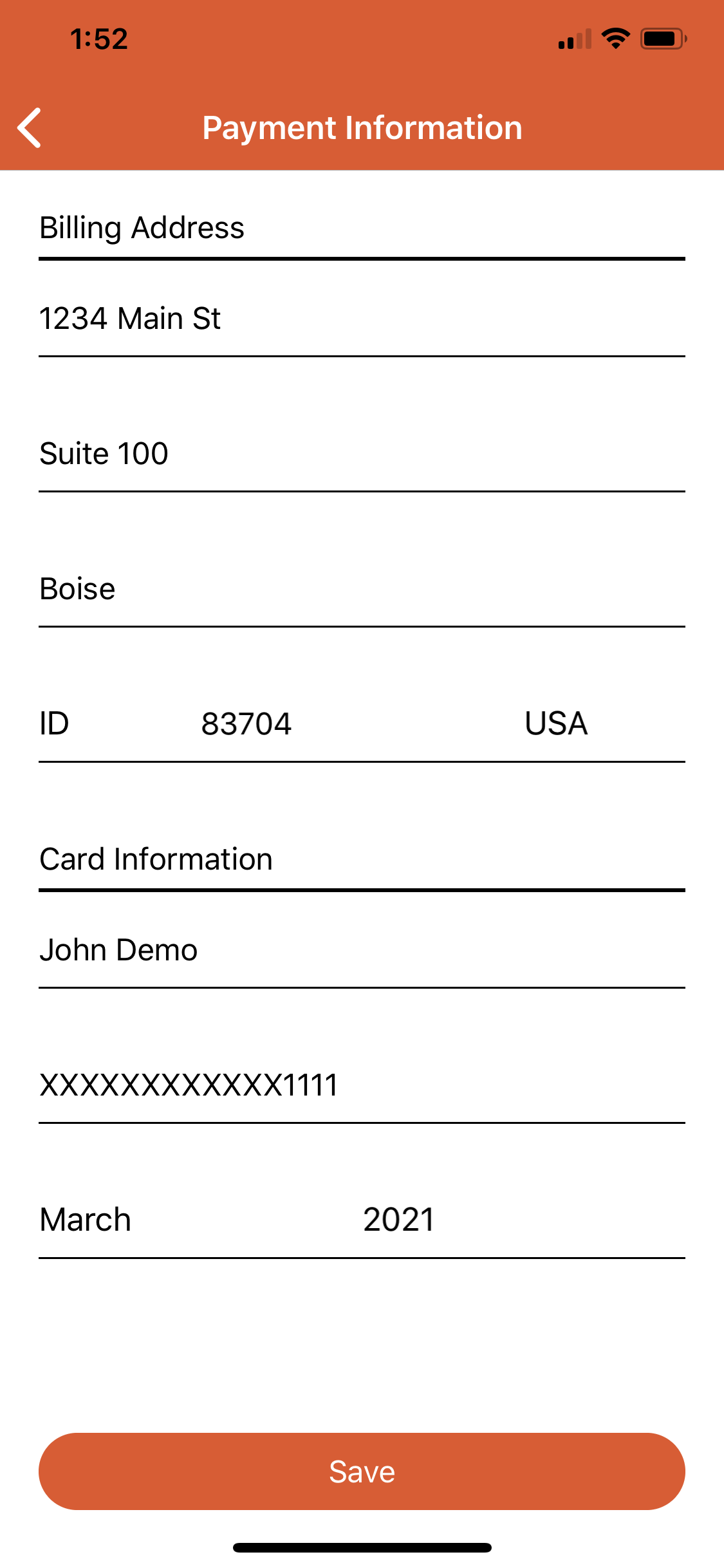
The Payment Information screen in the LiveTrack app provides the ability to update your billing address and credit card information.
ℹ️
Note Updated payment information will be used to charge service fees on the account. A valid billing address and credit card are required for continued service.
Getting to the Payment Information page:
1
Open the LiveTrack app and Login
2
Tap the menu button at the top left of the screen.
3
Next, tap the "Settings" option.
4
Then, tap "Payment Information"
To edit billing address and/or credit card information:
1
Tap the field you would like to edit
2
Enter the new information.
3
Once changes are complete, tap the "Save" button at the bottom of the screen.
Was this article helpful?
That’s Great!
Thank you for your feedback
Sorry! We couldn't be helpful
Thank you for your feedback
Feedback sent
We appreciate your effort and will try to fix the article